





Intro
echo $XDG_CURRENT_DESKTOP
ubuntu:GNOME- Check session type (i.e. X11, Wayland, etc)
echo $XDG_SESSION_TYPEwayland
Screensavers
XScreenSaver
How to Add Screensavers to Ubuntu

Gluqlo
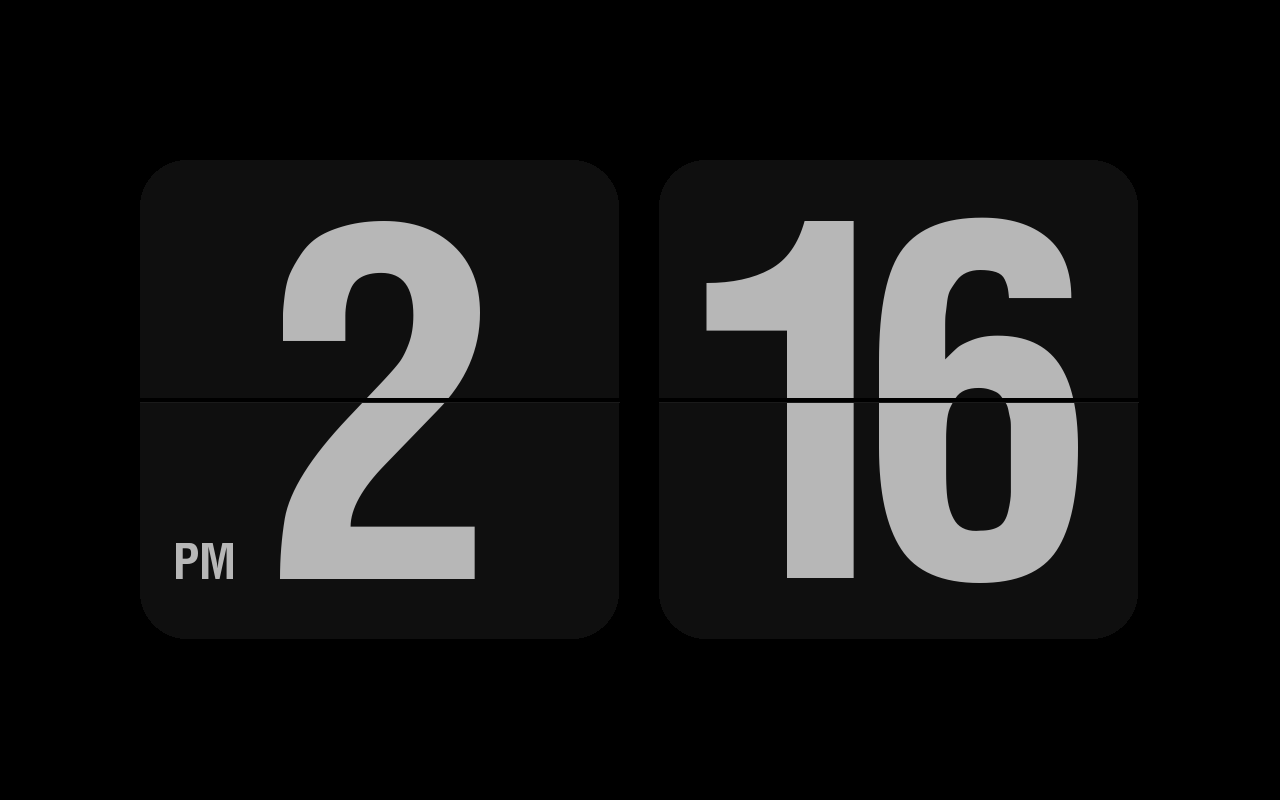
Gluqlo (or Глюкало, if you prefer) is a SDL remake of well-known awesome Fliqlo screensaver which is originally avaliable for Windows and OSX platforms only
- install build dependencies
sudo apt update
sudo apt install build-essential \
  libsdl1.2-dev \
  libsdl-ttf2.0-dev \
  libsdl-gfx1.2-dev \
  libx11-dev
sudo apt-get install build-essential libsdl1.2-dev libsdl-ttf2.0-dev libsdl-gfx1.2-dev libx11-dev- Compile and install Gluqlo
make
sudo make install- Verify
ls /usr/libexec/xscreensaver/gluqlo- Add gluqlo to your ~/.xscreensaver config file (at programs: section):
GL: gluqlo --root \n\- Troubleshooting
- Switch session type to X11
- In settings, switch from 24 hr mode to 12 hr mode