





Intro
Unity installation via the Unity Hub, a standalone application for accessing the Unity ecosystem

Create new projects with templates or tutorial project files. Choose from a growing repertoire of Core, Sample or Learning templates for 2D, 3D, VR, AR, mobile, Microgames, and more.
Install Unity Hub
- Download Unity Hub (the manager for Unity installs and projects) and create an account https://unity.com/download
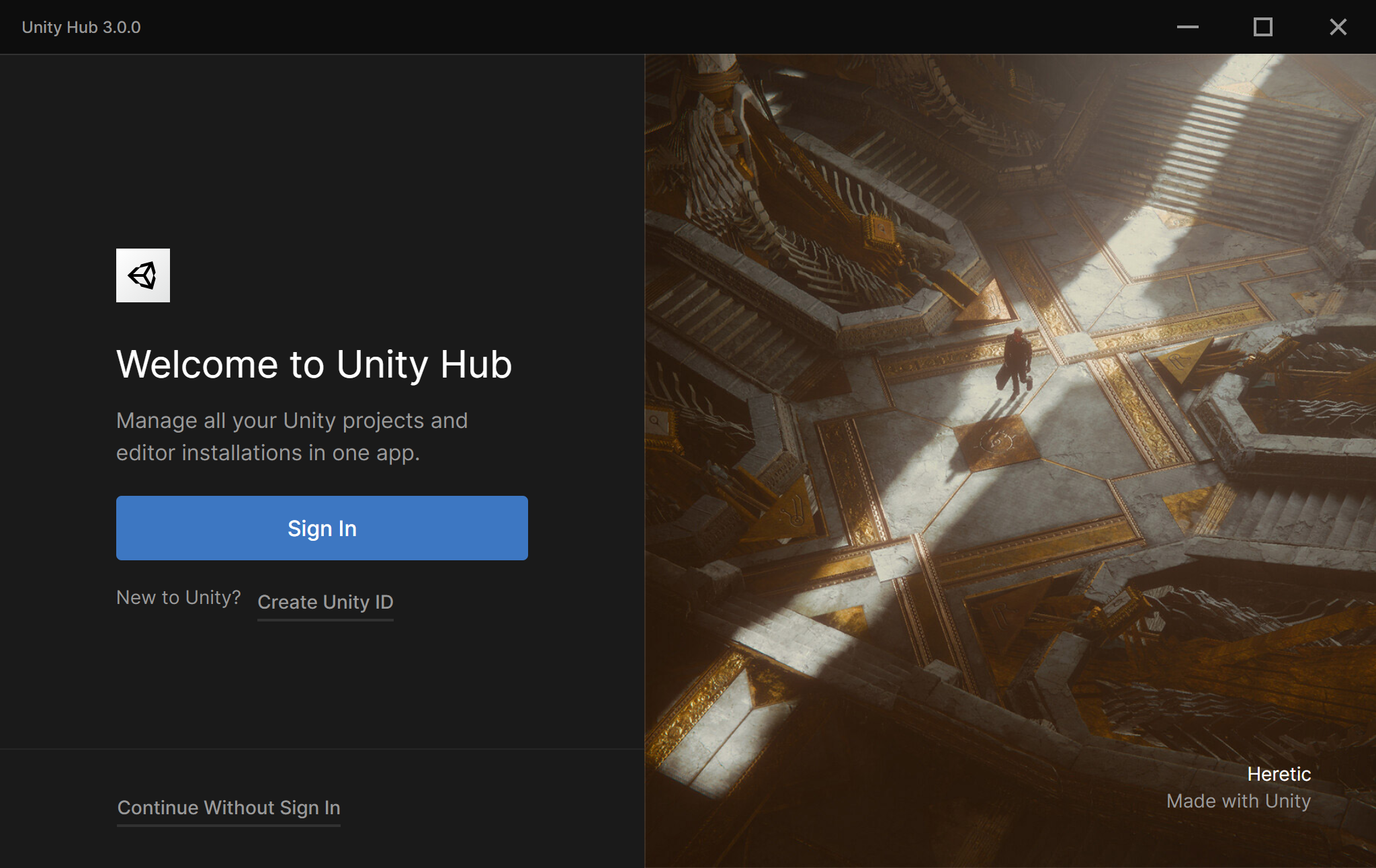
When you install the Unity Hub for the first time, the Unity Hub runs and opens the welcome page. To use the Hub, sign in with your Unity ID. If you don’t have a Unity account, select Create account
- Configure file structure in Unity Hub, install, example:
D:\Unity\
├─ Editors\       ← all Unity versions installed here
├─ Projects\      ← your projects live here
├─ Cache\         ← package manager + temp downloads
Install Unity Hub on Linux
Install the Unity Hub | Unity Hub | 3.0
wget -qO - https://hub.unity3d.com/linux/keys/public | gpg --dearmor | sudo tee /usr/share/keyrings/Unity_Technologies_ApS.gpg > /dev/null
sudo sh -c 'echo "deb [signed-by=/usr/share/keyrings/Unity_Technologies_ApS.gpg] https://hub.unity3d.com/linux/repos/deb stable main" > /etc/apt/sources.list.d/unityhub.list'
sudo apt update
sudo apt-get install unityhub
GPG repository not signed error
- Issues with Install the Unity Hub | Unity Hub | 3.0
- Used instructions from apt - Unity3d Installation issues GPG error repository not signed - Ask Ubuntu
- Add Unity’s public signing key to verify the integrity of the packages
wget -qO - https://hub.unity3d.com/linux/keys/public | gpg --dearmor | sudo tee /usr/share/keyrings/Unity_Technologies_ApS.gpg > /dev/null- Add Unity’s apt repository (in
/etc/apt/sources.list.d)
sudo sh -c 'echo "deb [signed-by=/usr/share/keyrings/Unity_Technologies_ApS.gpg] https://hub.unity3d.com/linux/repos/deb stable main" > /etc/apt/sources.list.d/unityhub.list'- Update the package cache
sudo apt update- Install Unity Hub
sudo apt install unityhub- Run Unity Hub
unityhubInstall Unity Editor
- In Unity Hub, click
Install Editorand choose from one of the releases tab or visit the download archive and install

- Currently using
6000.0.65f1 (LTS):
Released on Jan 7, 2026
- For Linux, extract the
tar.xz
mkdir -p ~/Unity/Editors/Editor/6000.0.65f1
pv Unity-6000.0.65f1.tar.xz | tar -xJf - -C ~/Unity/Editors/Editor/6000.0.65f1- Select Modules only for platforms you intend to build for (Android, iOS, WebGL, Linux, etc.); Windows builds are supported by default and require no additional modules.
